I bough a lillypad mp3 two days ago and it works fine with the default code in it but it doesn’t work when I try to connect to the ide. I tried everything the website said on the troubleshooting tab and it still doesn’t not work. I really need it to work and the cable I have works fine as all the drivers installed and the cable is identified on the ide.
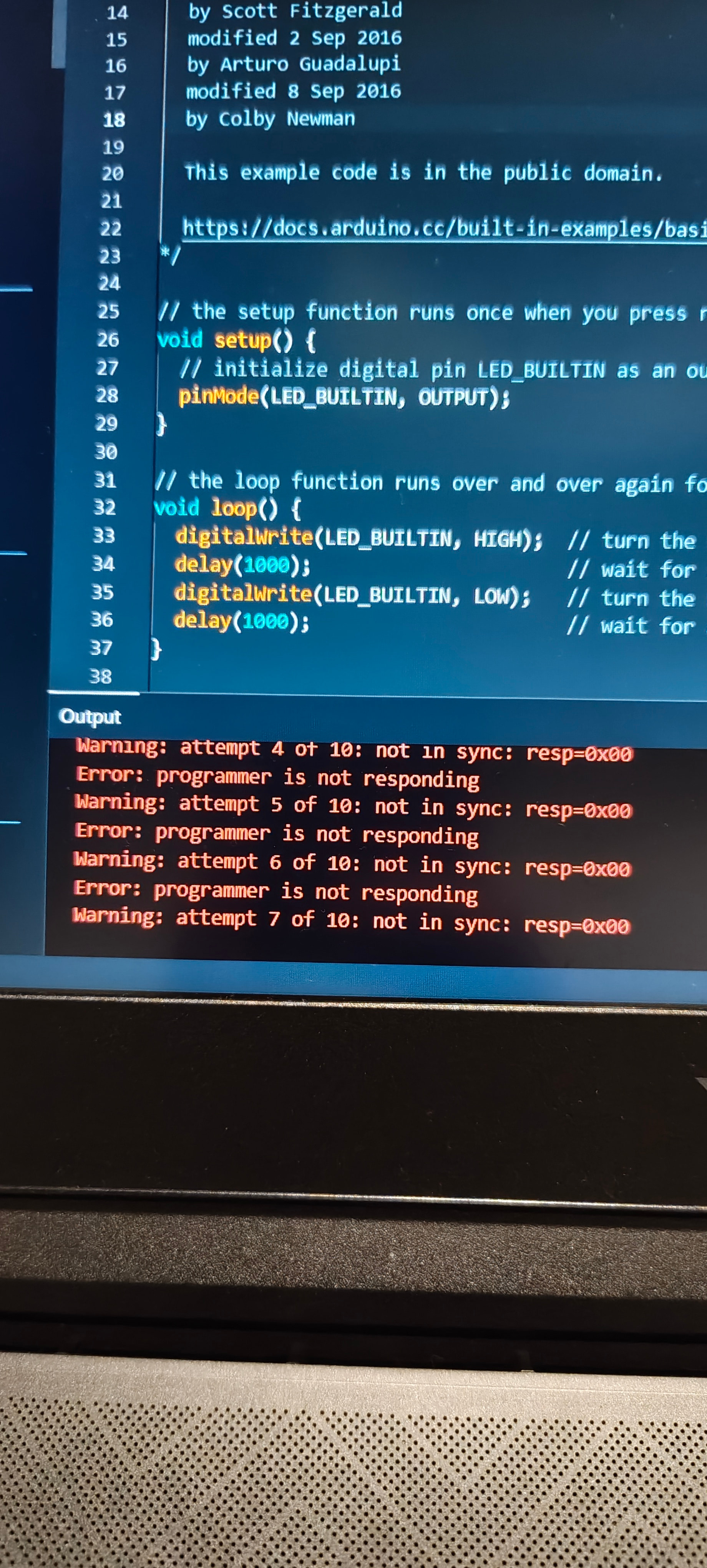
It looks like the IDE isn’t recognizing the LilyPad board at all (not in sync and programmer is not responding). Even if the cable is fine, sometimes the LilyPad MP3 needs a double-check on the board selection and port in the Arduino IDE. Make sure you’ve selected the exact board model under Tools → Board and the correct COM port. Also, try pressing the reset button on the LilyPad right before uploading, it often helps get it in sync. If that still doesn’t work, a different USB port or even a powered USB hub can sometimes fix these weird connection issues.
I can’t find the reset buttom on the board though /:
What board is selected in the IDE?

That is the one that the website is saying to select
Are there alternate COM ports available (are you sure it is COM 7)?
The only one is com7, and it appears when I plug the cable in.
Odd - just to double-check what baud rate is selected?
Is the one the website recommends 3.3v etc…
In the IDE, there should be a selectable baud rate for the COM port…set it to 9600, any luck?


Lilypad MP3 is an older board, you might try the older legacy IDE version 1.8.19. You can grab it at the link below.
https://www.arduino.cc/en/software/

I tried it but am getting the same error
Can you take a picture showing how the lilypad mp3 connects to your computer?

I connected a mbot battery because I thought it was my other battery system and still doesn’t work
Is your ftdi cable 5 volt or 3.3 volt? Also, I’ve had trouble with those cables before, something like a FTDT basic breakout seems to work a lot better.
Is a 5v one, also I bough a fdti adaptor and is going to arrive in 9th I think
If it doesn’t work update this thread and we’ll get ya fixed up