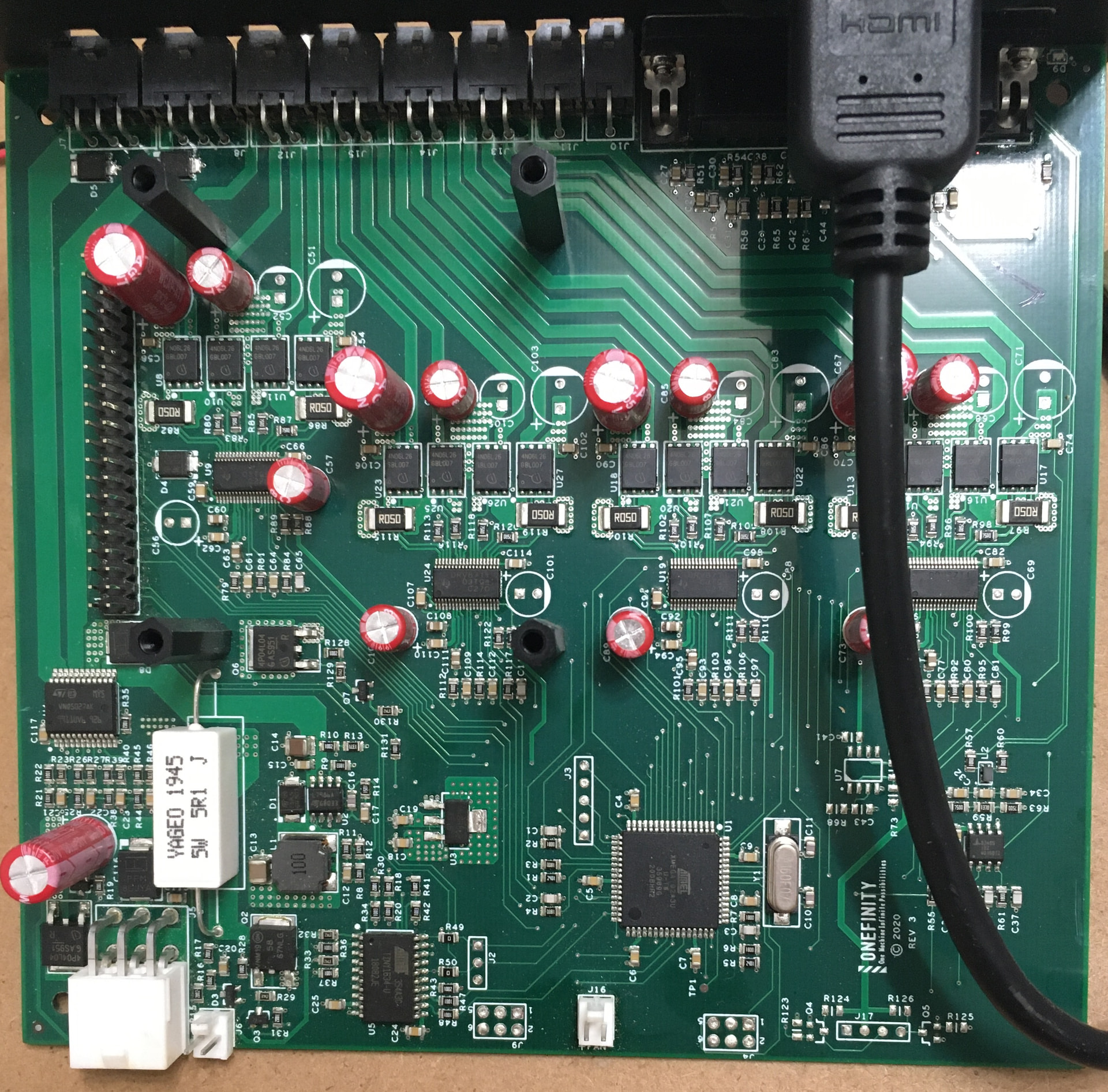
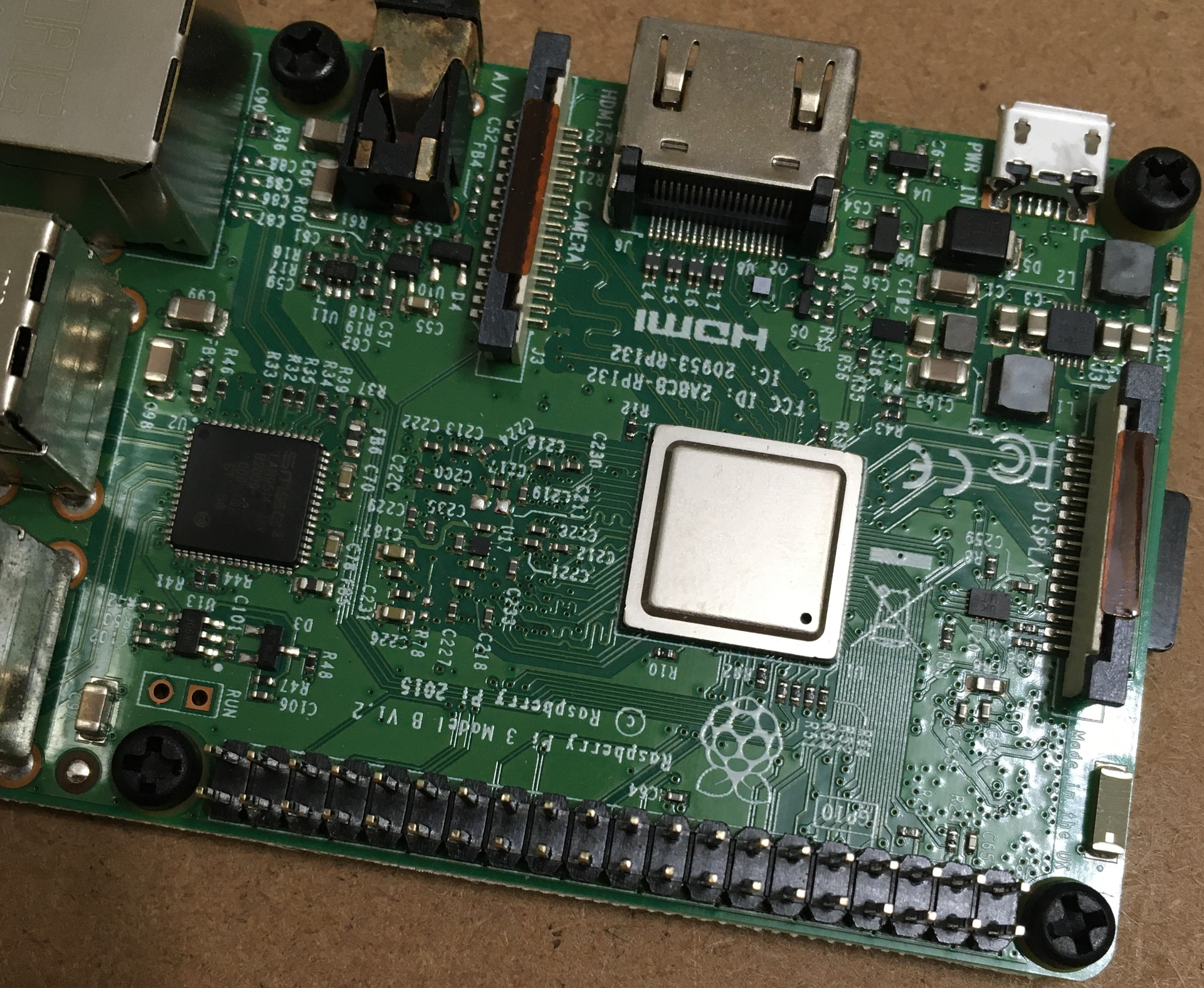
I have a CNC router controller from a company called Buildbotics, and I’d like to investigate some into why it just died on me. To replace it will cost $500, so I thought I’d take a shot at diagnosing what’s going on. It’s been working fine for a while, secure and in place. And for no reason, it just doesn’t turn on again.
The first diagnostic step is to observe the LED on the power supply when the emergency stop switch is in both the pushed-in and pulled-out positions. In my unit, the LED is on when the estop switch is in the pushed-in or machine interrupt position, and off when the switch is in the pulled-out (normal machine operation) position. They say this means automatic unit replacement, but haven’t given me any details as to why, although I’ve asked.
I magnified and looked at every square mm of both boards, and I’m not seeing any kind of connection corruption. Everything looks clean and intact.
I completed all the suggested diagnostic steps and was unable to identify any faulty individual components. Estop button bypass resulted in the same permanent power off condition.
My hope is that I can simply replace the power supply and get the thing running again.
Any advice for steps I can take to diagnose whether this is the power supply or not?
Thanks in advance.