Anyone ever been able to get these working at all. Looks like this one dead ended with no solution like mine did.
@Phontinos - I was able to review your returned unit. The I2C bus had the SDA pin shorted to ground underneath the accelerometer causing the I2C bus to fail. This should have been caught during production testing. I’ll review the display boards sitting on the shelf and go over the test procedure with our techs.
Hi there - not sure if this is the correct thread, but seems like the most similar to my problem.
Recently purchased 2 RTK Facets (GPS-19984), and one of them doesn’t turn on at all.
The first thing I did when it arrived was put it on charge the - the charge light came on so I walked away. An hour later, can’t get the charge light to go and no matter how long I hold the power button nothing happens.
Because we are based in New Zealand the USB adapter it shipped with wasn’t an option, so I used a Samsung USB charger. It had 2 modes, fast and slow (see photo attached).
We have been using a SparkFun RTK Surveyor (GPS-18443) for the last 9 months, and the power pack we use with it has similar specs (see attached) so assumed the newer version wouldn’t have an issue.
Would be grateful for any advice. I’ve held off charging the second unit until I can confirm the chargers aren’t the issue but it powers up fine.
Thanks in Advance.
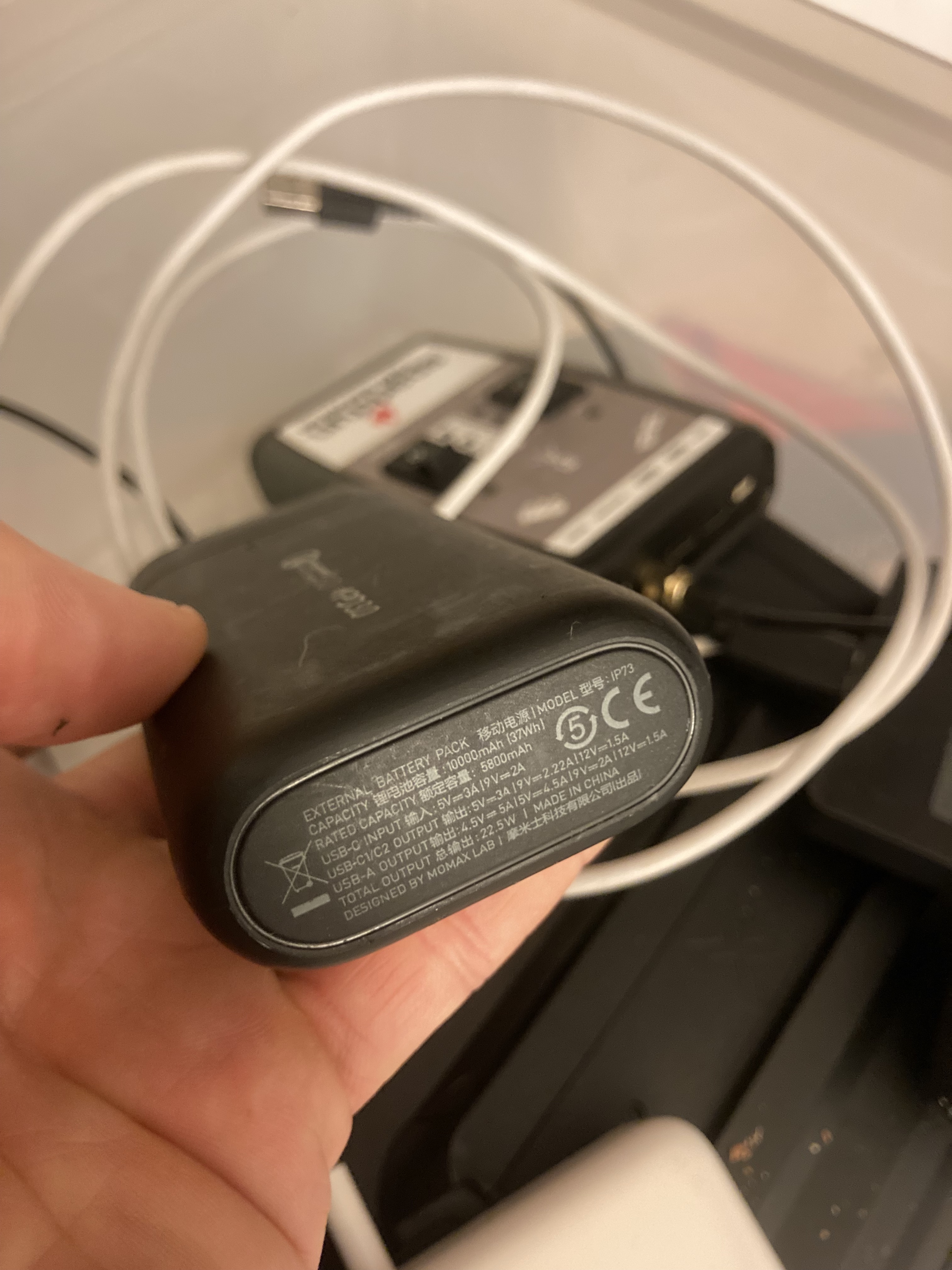

The charging circuit is fairly robust. As long as you don’t put more than about 5.5V into it, it should work. Any USB port or charger should do however the battery is 6Ahr so a wall charger over 500mA (as opposed to USB 2.0 500mA port) is recommended. A 5V/2A charger should be great.
I suspect charging is not your issue. Attach the device to a USB port and see if the device enumerates as a USB device.
sparky:
I suspect charging is not your issue. Attach the device to a USB port and see if the device enumerates as a USB device.
Hey thanks - so I tried connecting the unit to bot a mac and a PC but in both cases got errors popup (attached), in the case of the PC it actually stopped the USB mouse working.
I’m guessing there is something seriously wrong with the unit.
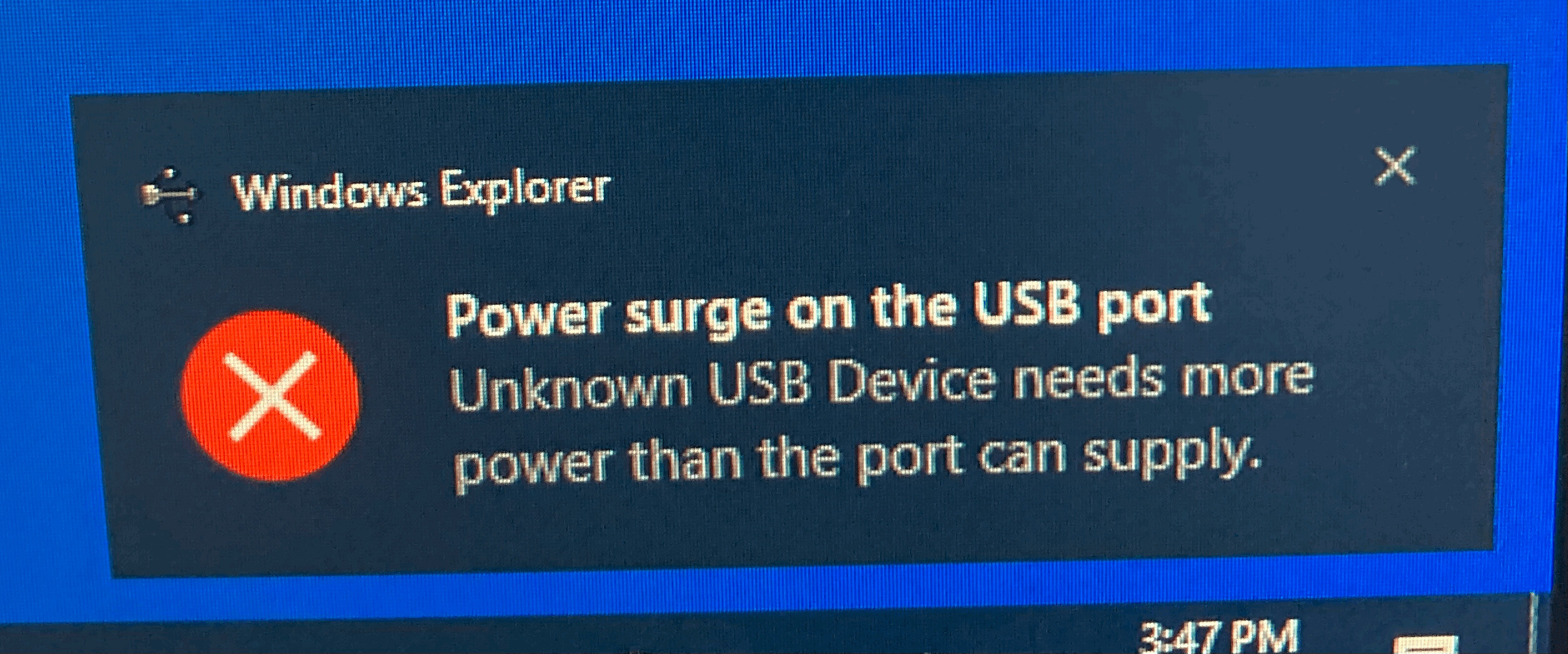

Indeed, that looks like a short on the USB connector or other. You’re welcome to start an RMA or open the unit to further troubleshoot the issue. My apologies for the hassle.